Create contacts in HubSpot
Turn on Generate Contacts Directly From Demos to create or update a HubSpot contact for every identified demo view, and see which properties Walnut sets.
Create contacts in HubSpot
About
Automatically generate and update contacts in HubSpot from every identified demo view.
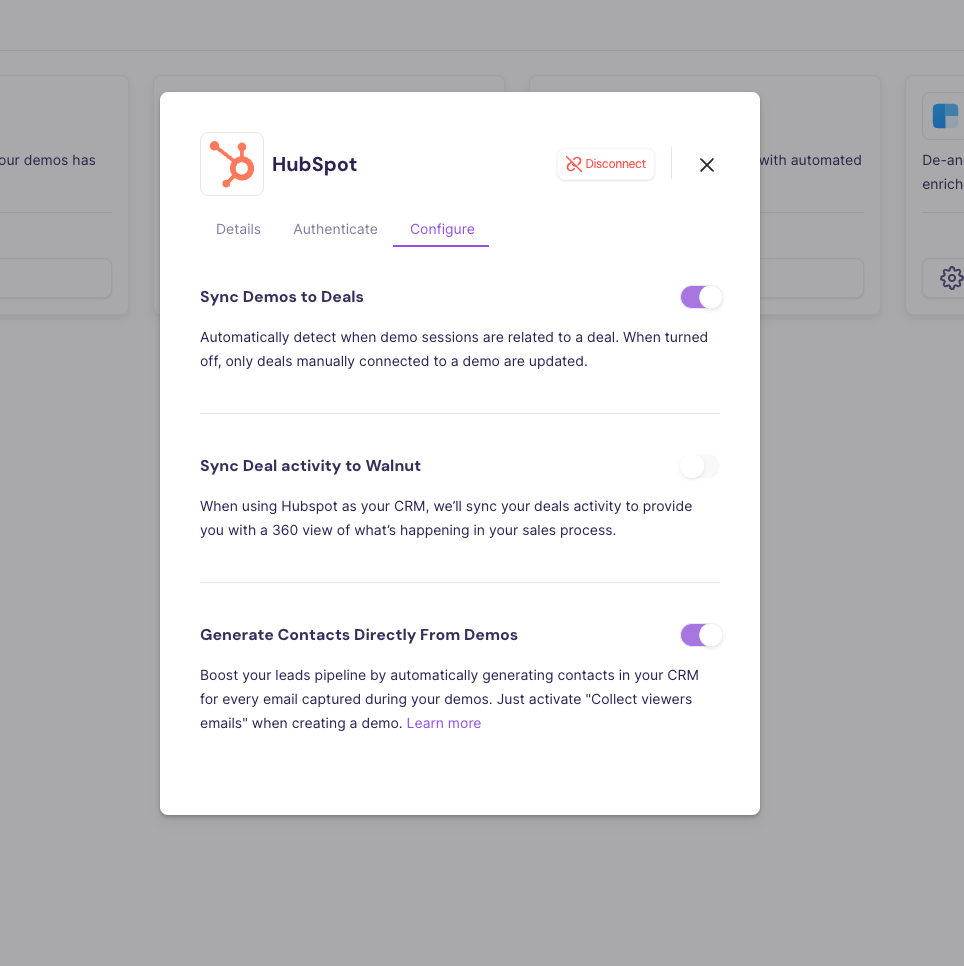
How it works
- Once you turn on the HubSpot Integration, the new toggle "Generate Contacts Directly From Demos" will be on.
- If the toggle is set to “on”, for every identified demo view we will generate a new contact on HubSpot associated with a Walnut data. In case this contact exists, we will update the existing contact.
Important to note 📝
What properties will the new contact will be created with?
- The new contact will be created with the following properties:
- Email address: email address of the demo viewer
- First Name: "Walnut"
- Last Name: "Demo Views"
- Original Source: "offline sources"
- Original Source Drill-Down 1: "INTEGRATION"
- Original Source Drill-Down 2: "Walnut"
- The new contact will be generated with demo data, i.e with custom properties on the contact and associated Walnut activity.
What happens if I have more than one email configured as a mandatory field to create a contact?
If additional fields are required to create a contact that are not ‘first name’ / ‘last name’ - we will not create this contact.
Was this helpful?