Embedded Demo Performance & Loading Optimization
Embedded Demo Performance & Loading Optimization
Overview
Embedded demos are powerful engagement drivers — but how and when they load directly impacts page speed, user experience, and conversion performance.
This guide explains how embedded demos load, the difference between eager and lazy loading, and the most effective techniques for optimizing performance across marketing pages, demo libraries, and learning hubs.
In This Guide:
- How Embedded Demos Load
- Eager vs Lazy Loading
- When to Use Each Strategy
- Web Performance Optimization Techniques
- Performance Best Practices
How Embedded Demos & Playlists Load
Embedded Walnut demos and playlists are implemented using an HTML <iframe> element. By default, iframes load as soon as the page loads. This is known as eager loading.
Standard Walnut embed code looks like this:
<iframe
  src="https://app.teamwalnut.com/player/?demoId=92fc28c0-ced2-402f-b4d2-0a3968d39370&showGuide=true&showGuidesToolbar=true&showHotspots=true&openGuidesToolbar=false"

  allow="fullscreen"
  allowfullscreen="true"
  loading="eager"
  name="walnut_iframe"
  sandbox="allow-scripts allow-same-origin allow-popups allow-forms allow-downloads allow-popups-to-escape-sandbox"
  title="Walnut embedded demo"
  width="100%"
  height="100%"
  frameborder="none">
`</iframe>`
Notice the **loading="eager"** attribute. This tells the browser to load the demo immediately when the page loads.
While eager loading provides instant interactivity, it can impact:
- Page load speed
- Core Web Vitals
- Time to Interactive (TTI)
- Mobile performance
Optimizing how and when demos load ensures a smooth experience without sacrificing engagement.
Eager vs Lazy Loading
Eager Loading (Default)
With eager loading, the demo loads immediately when the page loads, regardless of whether the iframe is currently visible on the screen. This is the default behavior for iframes and the default configuration used in Walnut embed codes.
<iframe
  src="https://app.teamwalnut.com/player/?demoId=92fc28c0-ced2-402f-b4d2-0a3968d39370&showGuide=true&showGuidesToolbar=true&showHotspots=true&openGuidesToolbar=false"

  allow="fullscreen"
  allowfullscreen="true"
  loading="eager" <---- * DEFAULT LOADING ATTRIBUTE *
  name="walnut_iframe"
  sandbox="allow-scripts allow-same-origin allow-popups allow-forms allow-downloads allow-popups-to-escape-sandbox"
  title="Walnut embedded demo"
  width="100%"
  height="100%"
  frameborder="none">
`</iframe>`
Best for:
- Hero demos positioned within the initial viewport (visible screen area on page load).
- Conversion-focused landing pages
- Pages where the demo is the primary content
Tradeoff: Increased initial page load time, which can be more pronounced on slower connections, high-latency networks, or mobile devices.
Lazy Loading
Lazy loading delays the iframe from loading until the viewer scrolls close to where it appears on the page.
<iframe
  src="https://app.teamwalnut.com/player/?demoId=92fc28c0-ced2-402f-b4d2-0a3968d39370&showGuide=true&showGuidesToolbar=true&showHotspots=true&openGuidesToolbar=false"

  allow="fullscreen"
  allowfullscreen="true"
  loading="lazy" <---- * LAZY LOADING ATTRIBUTE *
  name="walnut_iframe"
  sandbox="allow-scripts allow-same-origin allow-popups allow-forms allow-downloads allow-popups-to-escape-sandbox"
  title="Walnut embedded demo"
  width="100%"
  height="100%"
  frameborder="none">
`</iframe>`
The **loading="lazy"** attribute tells the browser to delay loading until necessary.
Best for:
- Demos positioned below the initial viewport (visible screen area on page load).
- Long-form marketing pages
- Content hubs and documentation pages
Tradeoff: Viewers may notice a brief loading moment when they reach the demo. The delay depends on connection speed, but is usually minimal and often not noticeable.
When to Use Each Strategy
| Use Case | Recommended Strategy |
|---|---|
| Hero demo above the initial landing viewport | Eager (default) |
| Demo below the initial landing viewport | Lazy loading |
| Demo libraries | Load on demand (Web Performance Optimization) |
| Modal-triggered demo | Inject iframe after click |
Web Performance Optimization Techniques
These web development performance techniques can be used to control when and how iframes load. While Walnut provides the embed code, implementing these patterns typically requires support from a developer or someone managing your website codebase.
The following approaches help reduce initial page load impact while preserving a strong demo experience:
- Overlay Technique
- Load iframe After Button Click
- Modal Injection Pattern
- Demo Library & Grid Implementations
Overlay Technique
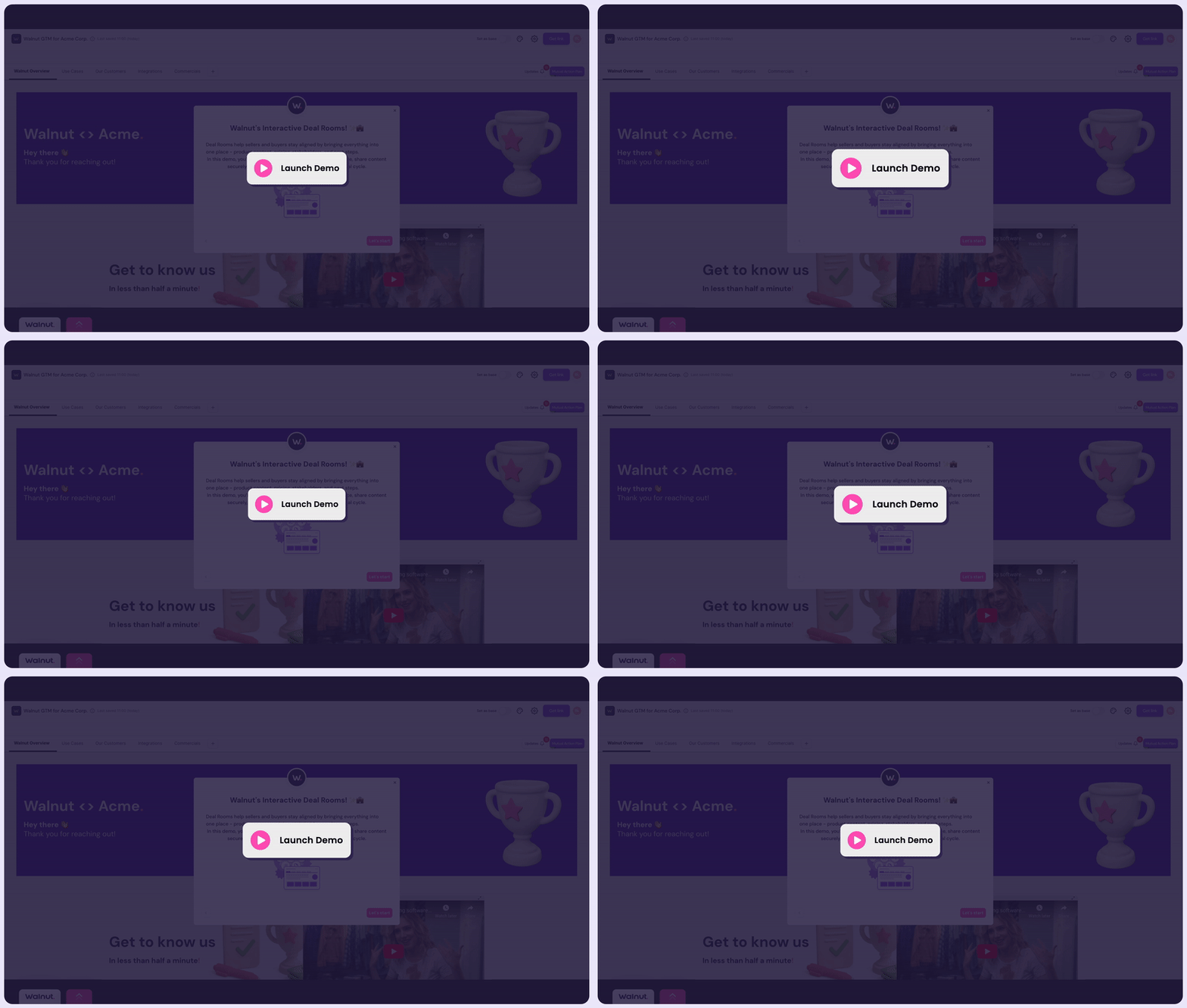
What it is: A progressive loading approach that displays a static preview image with a “Start Demo” button overlay.
How it works: The iframe is injected only after the user clicks the overlay. This prevents the demo from impacting initial page load and improves perceived performance.
Load iframe After Button Click
What it is: A fully on-demand loading pattern using JavaScript.
How it works: The iframe does not exist in the DOM until a user clicks a trigger button.
document.getElementById("launchDemo").addEventListener("click", function() {
  document.getElementById("demoContainer").innerHTML =
    'IFRAME EMBED CODE HERE';
});
This ensures zero demo load impact until intentional interaction and is ideal for performance-sensitive pages.
Modal Injection Pattern
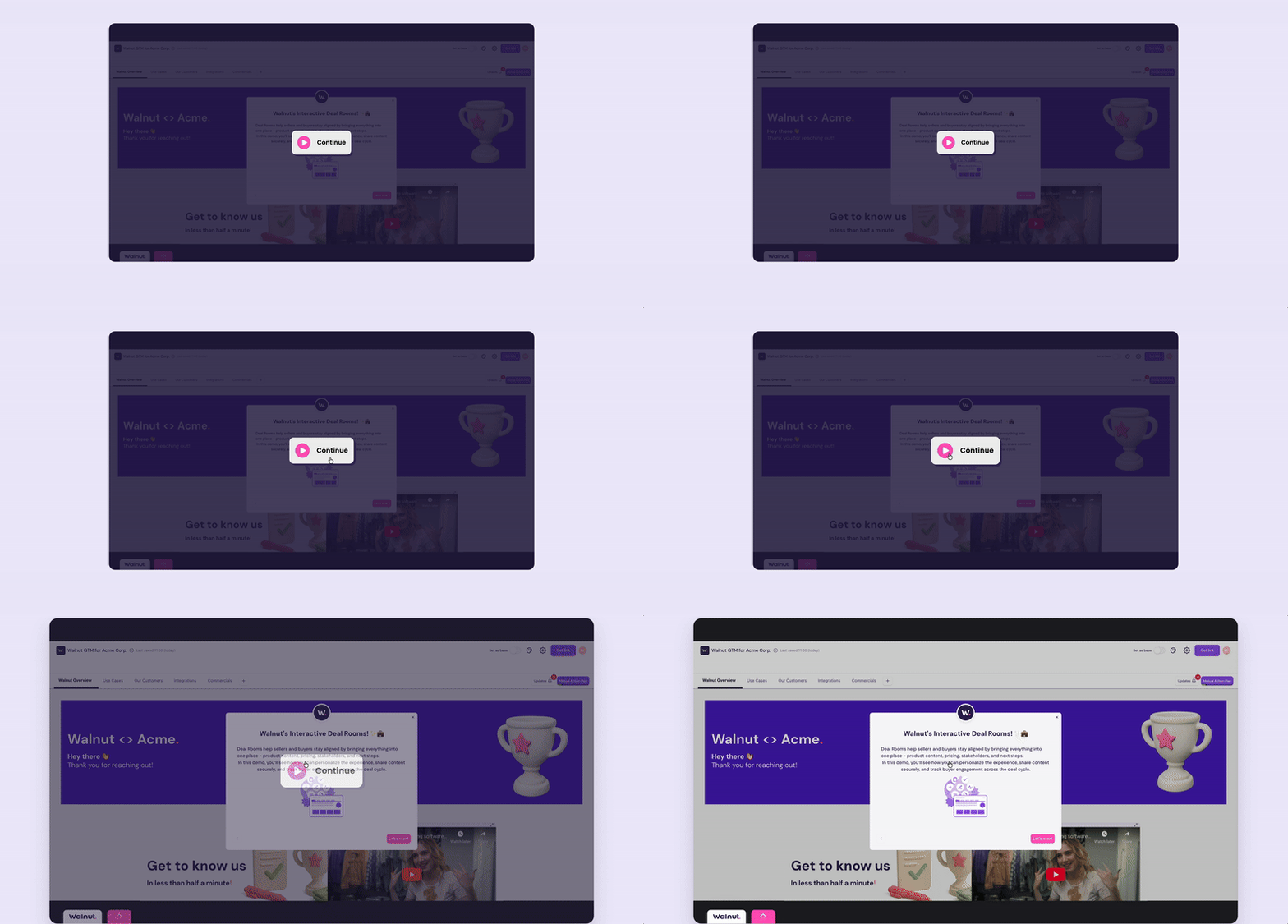
What it is: A dynamic loading technique for pop-up or modal-based demos.
How it works: The iframe is inserted only when the modal opens and can optionally be removed when the modal closes to free resources. Ideal for “Watch Demo” buttons and conversion-focused landing pages.
function openDemo() {
  document.getElementById("modalBody").innerHTML =
    'IFRAME EMBED CODE HERE';
}
Example:
Demo Library & Grid Implementations
What it is: A controlled loading strategy for pages that feature multiple demos.
Why it matters: Loading multiple iframes simultaneously can significantly impact page speed and Core Web Vitals.
Recommended pattern:
- Display preview thumbnails
- Load only one demo at a time
- Replace the iframe when a new demo is selected
- Use pagination or tabs instead of multiple live embeds
Performance Best Practices
- Default to lazy loading for demos placed below the initial viewport.
- Use on-demand/web optimized loading for demo galleries.
- Avoid loading multiple iframes simultaneously.
- Use overlays for SEO-heavy pages.
- Test impact using Lighthouse or PageSpeed Insights.