Set up a custom domain
Set up a custom domain
Overview
The Walnut Custom Domains add-on lets you serve demos, playlists, and deal rooms from your own branded domain instead of app.teamwalnut.com.
This creates a seamless, immersive experience for prospects and customers while preserving all Walnut analytics, integrations, and security standards.
What's Included:
- ✅ Branded Domain Prefix:
Serve demos, playlists, and deal rooms under a branded domain (e.g., demos.yourcompany.com). - ✅ Immersive, On-Brand Experience:
Removes the Walnut branding tab in embedded demos for a cleaner, on-brand viewer interface. - ✅ Secure Hosting:
Includes automatic SSL provisioning and TLS 1.2 encryption. - ✅ One Custom Domain per Instance:
Each Walnut account supports a single custom domain.
Example:
Default: https://app.teamwalnut.com/demo/?demoId=1234
Custom domain: https://demos.yourcompany.com/demo/?demoId=1234
Demo Experience: Without vs. With a Custom Domain
| Feature | Without Custom Domain | With Custom Domain |
|---|---|---|
| Demo URL | app.teamwalnut.com | Your branded domain (e.g. demos.yourcompany.com) |
| Branding | Walnut-branded interface | Fully on-brand experience |
| Embedded Demo Experience | Walnut tab visible | Walnut tab removed automatically |
| Trust & Credibility | Third-party domain | First-party branded experience |
| Analytics & Integrations | Fully supported | Fully supported |
| Security | HTTPS + TLS 1.2 | HTTPS + TLS 1.2 with custom SSL |
Embedded Demo Without a Custom Domain
👆_The Walnut tab shown here appears by default in embedded demos. When the Custom Domains add-on is enabled, this tab is removed to create a more on-brand embedded experience._
Enable a Custom Domain
In this example, we’ll use:
- Primary domain: awesome.com
- Custom subdomain: demos.awesome.com
-
Create a CNAME record
Pointdemos.awesome.comto:custom-domain.teamwalnut.com⚠️ Make sure the destination is entered exactly as shown. Do not replace the words `custom-domain.`
-
Submit a support request
Use the Submit a request form. A Walnut Support Specialist will complete the setup and notify you when it’s live.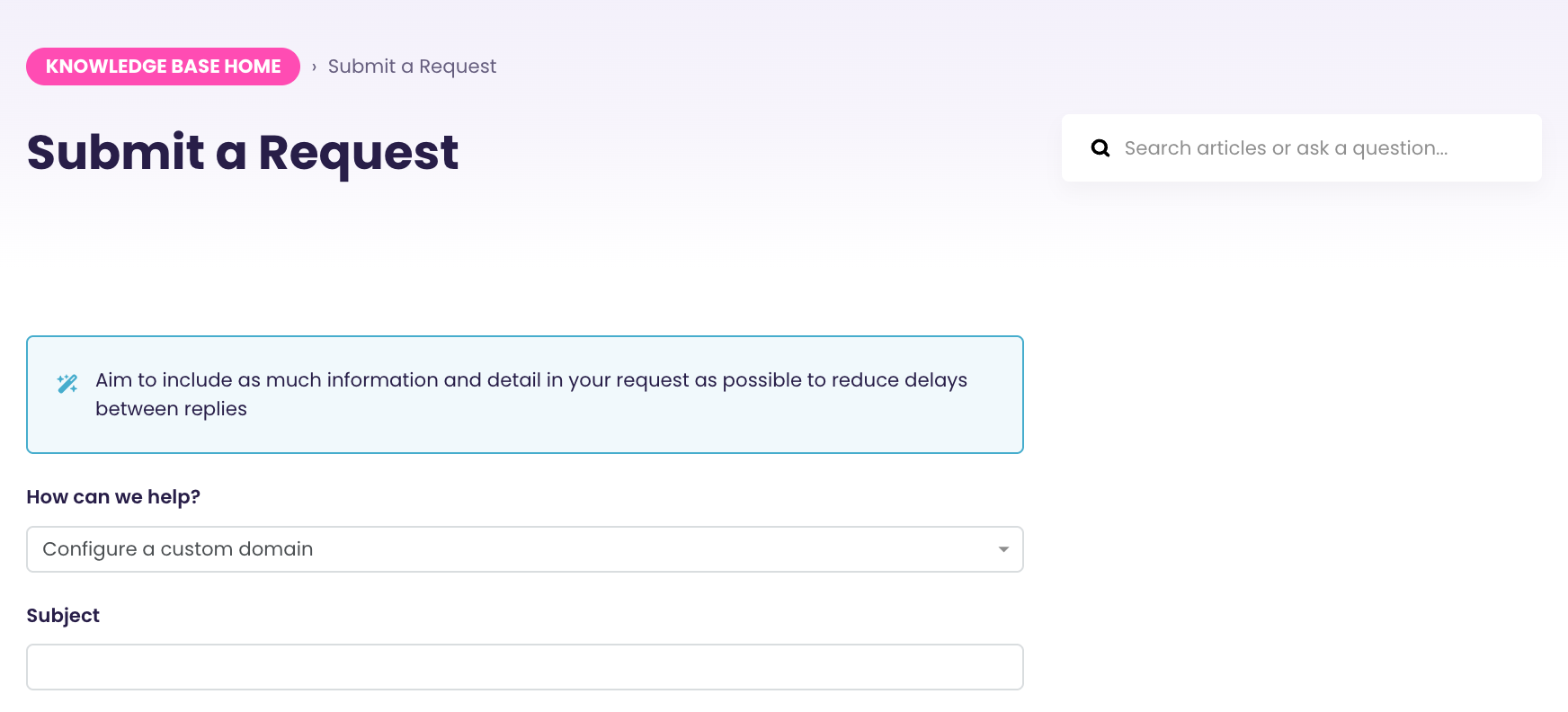
-
Copy your new link from the Walnut Library.
All new demo links will automatically use your branded domain.
Changes to DNS Records
If your DNS records are changed or deleted, demos served from your custom domain may stop working.
If you plan to update your DNS settings, or if changes have already been made, please contact Walnut Support so we can review and update your custom domain configuration.
See a Broken Link?
This message may appear if your active CNAME record was changed, deleted, or no longer points to custom-domain.teamwalnut.com.
The good news is that your demos are still accessible. You can always open any demo using its default Walnut link (https://app.teamwalnut.com/demo/?demoId=1234), even if the custom domain is temporarily unavailable.

To fix a broken link:
- Verify that your CNAME record points to
custom-domain.teamwalnut.com - Contact Walnut Support to update your custom domain configuration
FAQs
Is a custom domain required?
No. Custom domains are optional, but recommended for customer-facing use cases.
Is this a paid feature?
Yes. Please contact your CSM for pricing and availability.
What happens if the DNS record changes?
If the CNAME record is removed or updated incorrectly, demos served from the custom domain will stop working. Default Walnut links will still function.