Add personalized welcome messages
Add personalized welcome messages
Say hey your way 👋—add a personal touch to your demo email gate with a custom welcome message.
-
Edit the welcome message text to say it your way ✍️
-
Match colors to your guides or brand 🎨
-
Add your avatar to bring a friendly face to the experience 🧑💻
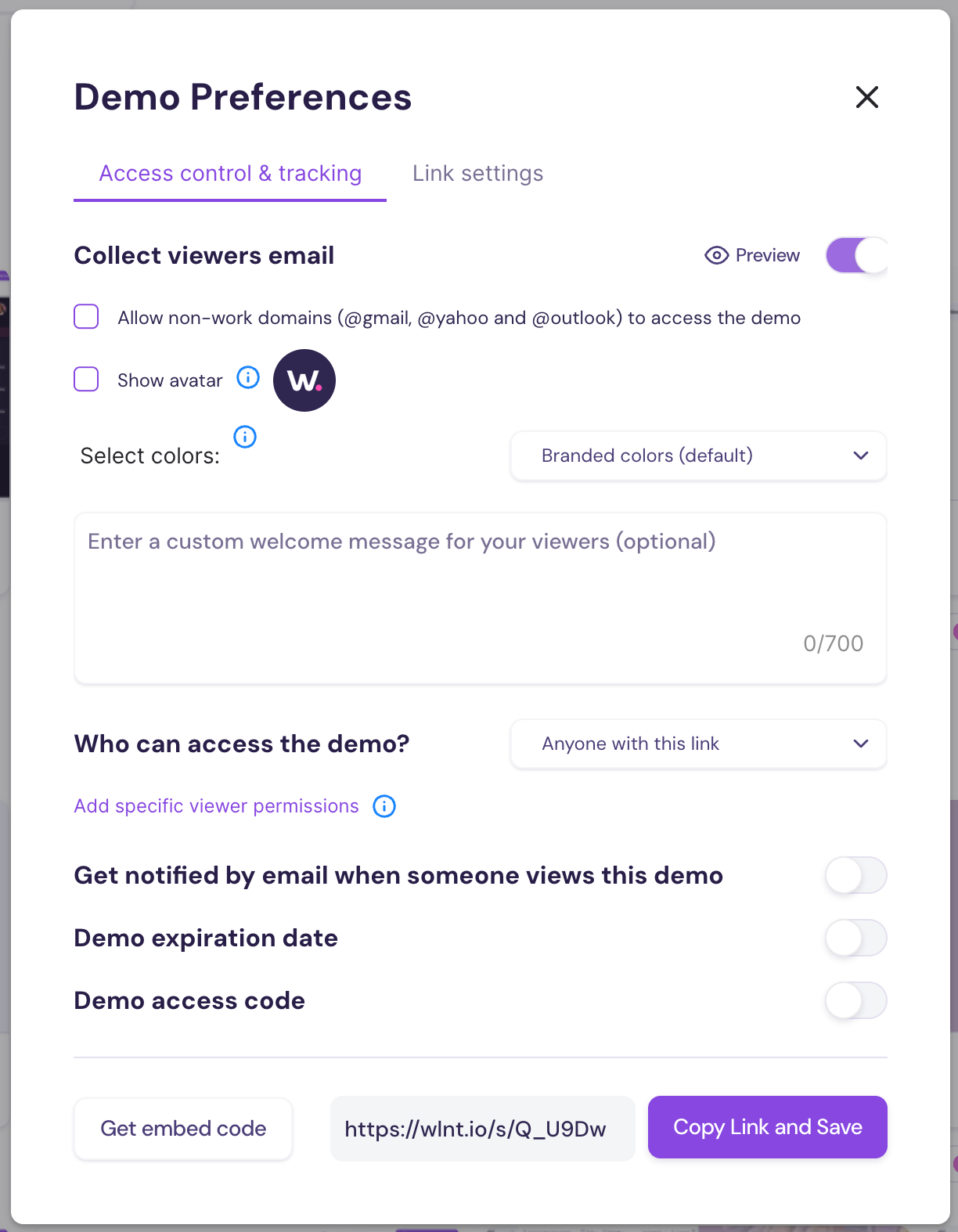
How It Works
- Open Demo Preferences
- Under the Access Control tab, enter your own welcome message
- Check the ‘Show Avatar’ box to include your image
- Use the ‘Select Colors’ options to match your branding
Learn more about the demo email gate and Walnut Insights here.
Was this helpful?