Restart demos from guide steps
Restart demos from guide steps
Overview
Walnut allows you to add a Restart Demo action directly to a guide CTA, making it easy for viewers to jump back to the beginning of the experience with a single click.
This is a helpful option when you want viewers to rewatch a guided story, revisit the experience from the start, or quickly reset after reaching the final step.
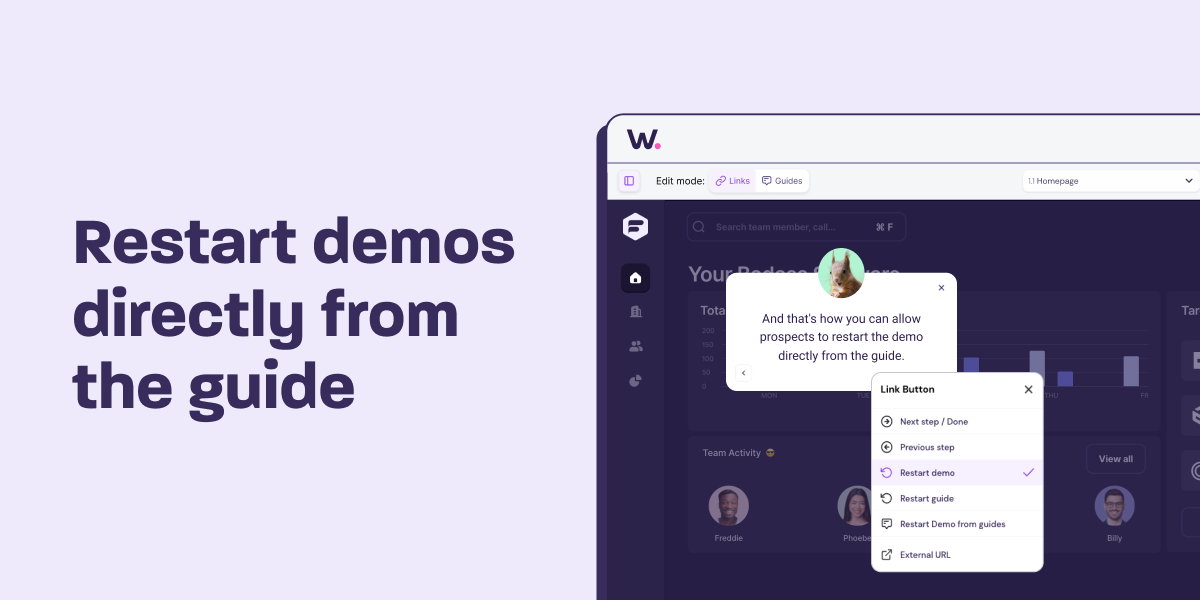
How to Add a Restart Demo CTA
- Open the guide step where you want to add the restart action.
- Click the CTA button in the bottom-right corner of the guide.
- Click the purple link icon.
- Select Restart Demo.
Was this helpful?