Replace screens with media
Replace screens with media
About This Feature
Effortlessly swap any element, section, or screen with a PDF, image, or video — all within the Walnut Editor.
Snapshot 📸
- Feature Status: Core Feature (included in all Walnut subscriptions)
- Role Access: Admin, Editor
- Location: Editor, Resource Hub
Quick Start Guide
Replace an Element
- Click any element or group of elements in the Editor body.
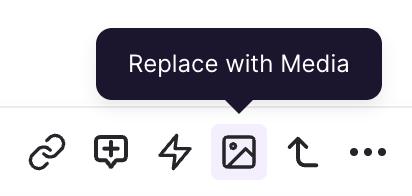
- Click the Replace with Media option in the element editor toolbar.
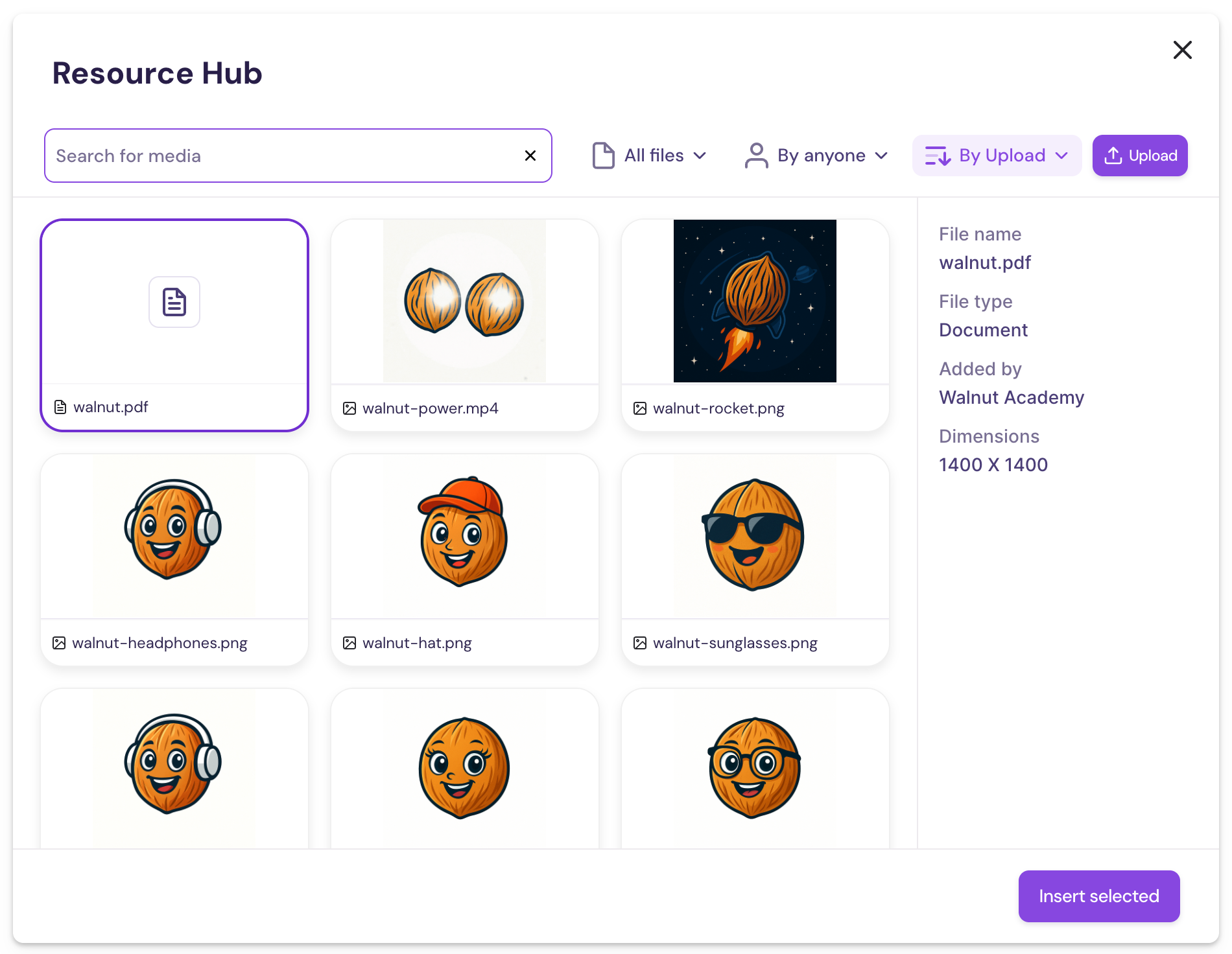
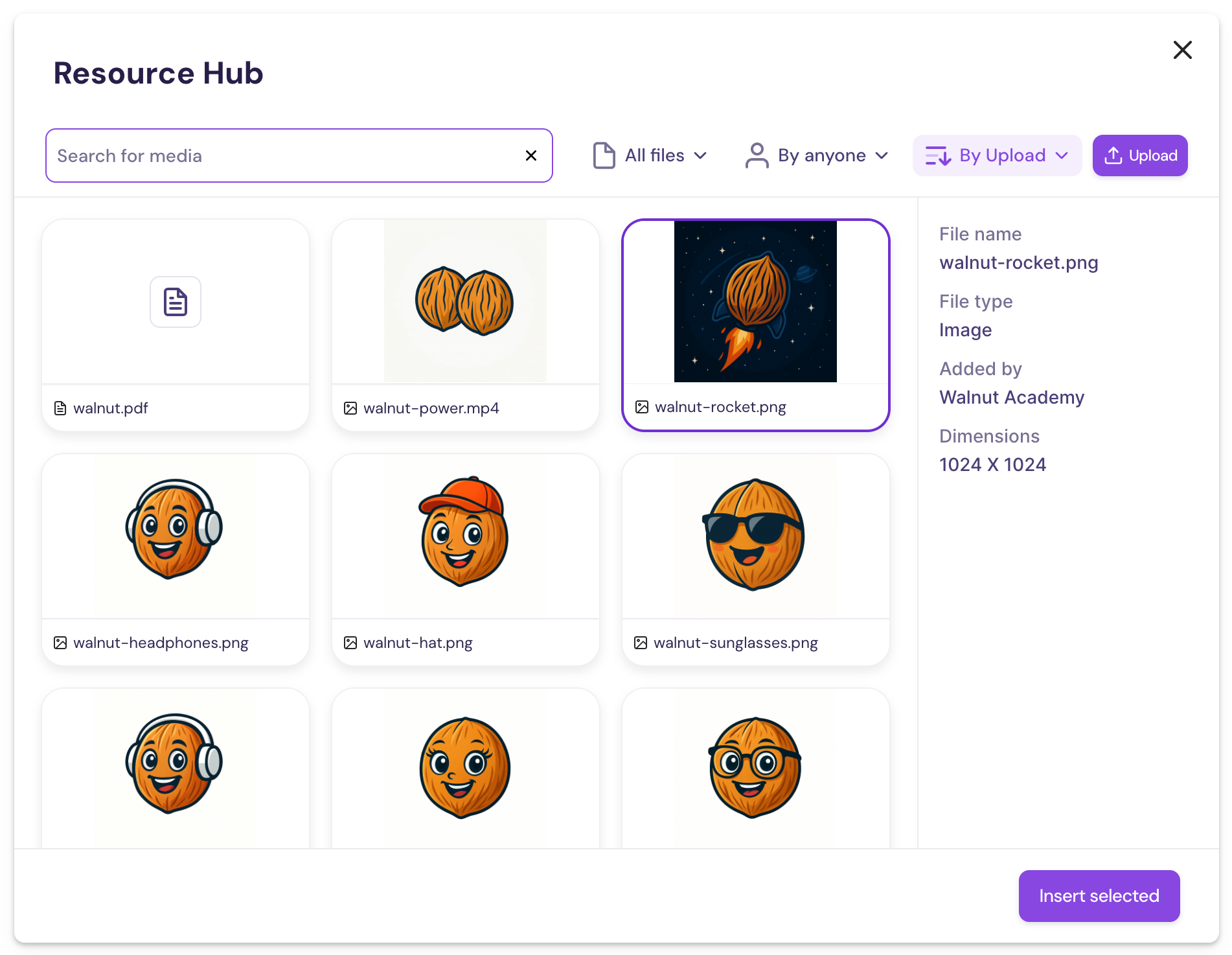
- Select an image, video, or PDF file from the Resource Hub, and click Insert selected.
- The selected file will replace the highlighted element or group of elements in the Editor.
Pro Tip 👑
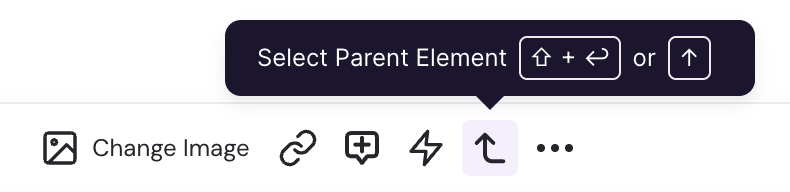
Need to replace a whole section or group of elements? Use the Select Parent Element tool to highlight a group or refine your selection in the Editor.
Replace Template Screen Content
- Add a New Template Screen
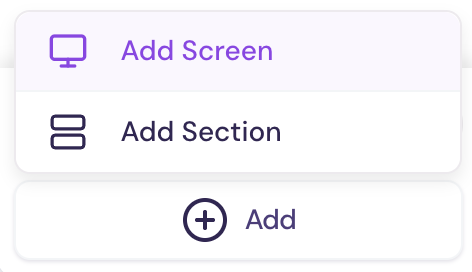
- Click the + Add button in the Screens sidebar.
- Select Add Screen.
- Click the Screens Library tab and choose a template screen.
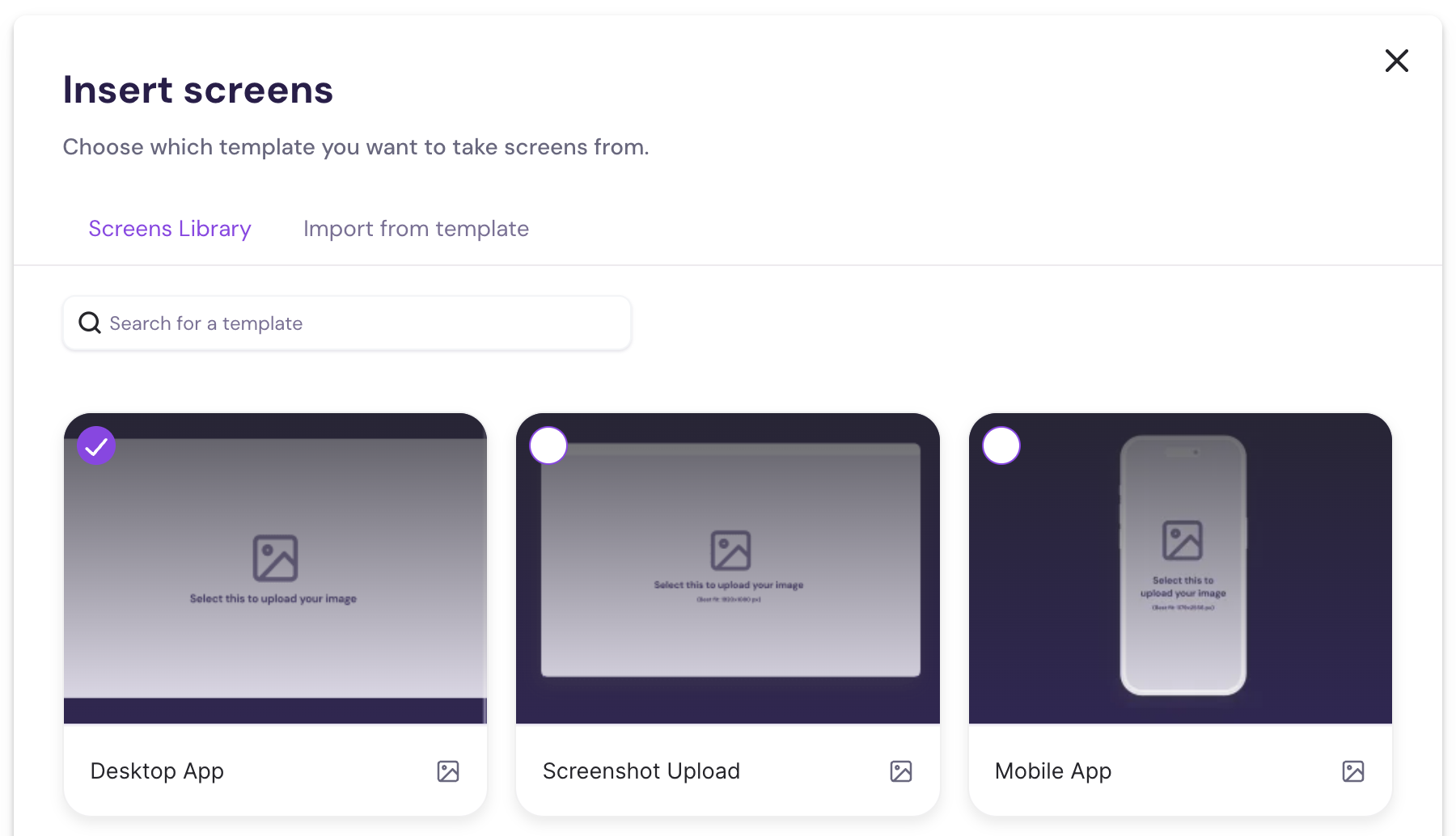
- Swap the Screen Placeholder with Media
- Navigate to your new template screen.
- Click on the screen placeholder in the Editor body.
- Select Change Image.
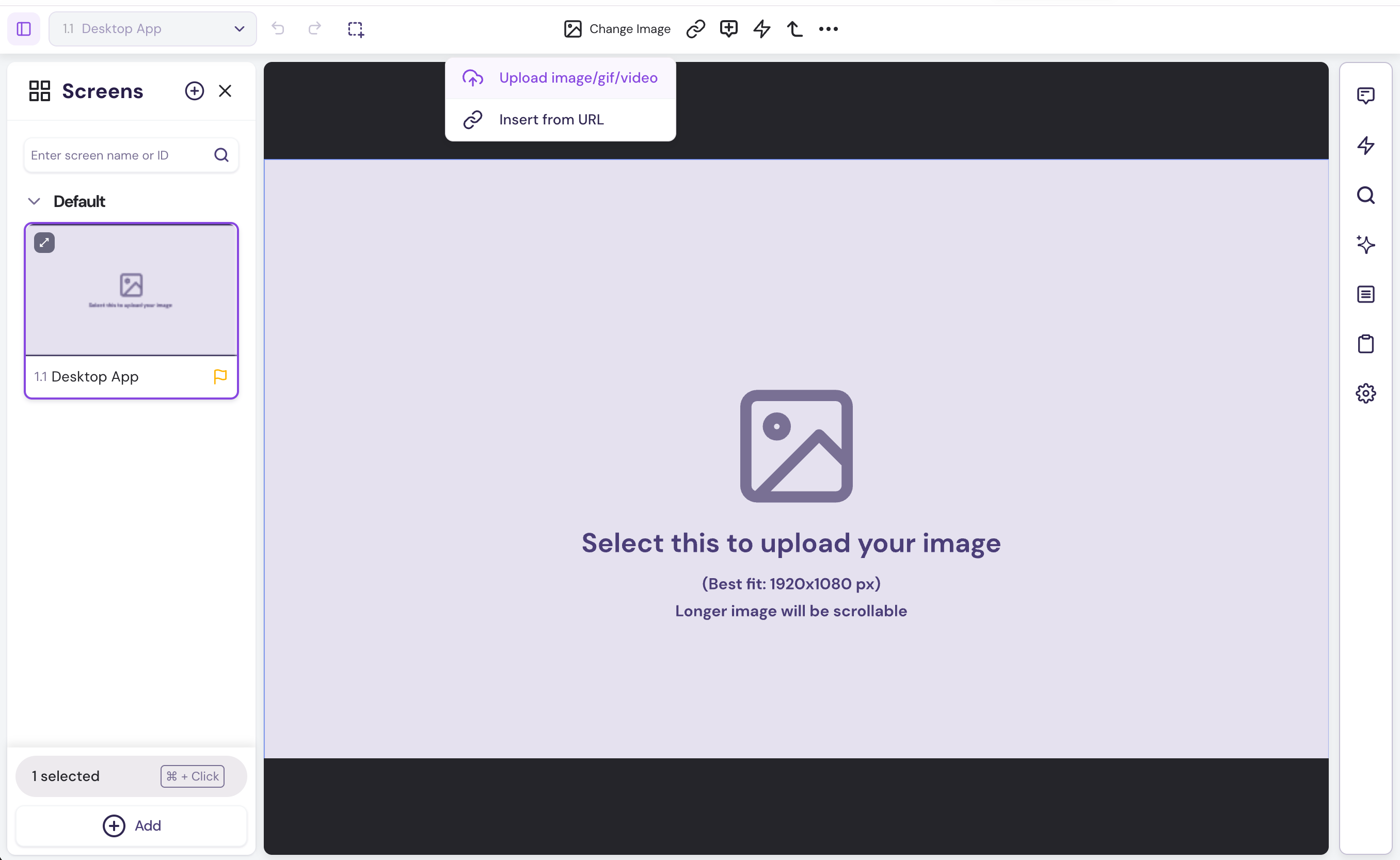
- Insert Media from the Resource Hub
- Click Upload image/gif/video to open the Resource Hub.
- Choose a file (image, GIF, video, or PDF).
- Click Insert selected.
FAQs
Can I Highlight Areas or Add Clickable Elements Inside a PDF?
- Not yet – It’s not currently possible to add custom elements on top of an embedded PDF. PDFs behave like static media blocks once added to a screen.
Can I Edit the Content of a PDF or Image After Replacing an Element?
- No — not at this time. Once you replace an element with a PDF, image, or video it becomes a static media block. The content inside can’t be edited like captured elements. To make changes, just upload a fresh version and swap it in.
Was this helpful?