AI features overview
AI features overview
Overview
Let Walnut’s AI features do the heavy lifting—automate demo flows, turbocharge insights, and empower your team to build smarter, faster, more impactful experiences.
In this guide:
Build Smarter, Faster — With the AI Creation Playbook
Text-to-Speech Audio GuidesInsights AI
📝 Important to Note:
An account admin needs to enable AI access in Company Settings > Account Settings to unlock these features.
Build Smarter, Faster — With the AI Creation Playbook 📘
Ready to take your AI-powered workflow to the next level? The AI Creation Playbook shows you how to turn ideas into polished, on-brand demos using Walnut’s AI Power Stack — AI Mode, Story Capture, Guide Assist, and InsightsAI.
Learn how to:
Build full demo flows from one prompt Modernize outdated demos in minutes Apply best-practice storytelling automatically Refine, restyle, and personalize at scale Improve your demos using the AI + Insights loop
👉 Open the AI Creation Playbook: Walnut AI Creation Playbook — Build Demos at the Speed of Thought
AI Mode 🤖
Meet the fastest way to build, edit, modernize, and publish demos — all through one conversational workspace. AI Mode understands your screens, layout, and narrative, and turns your instructions into real editor actions instantly. No clicks. No hunting through menus. Just tell it what you want, and watch it transform your content.
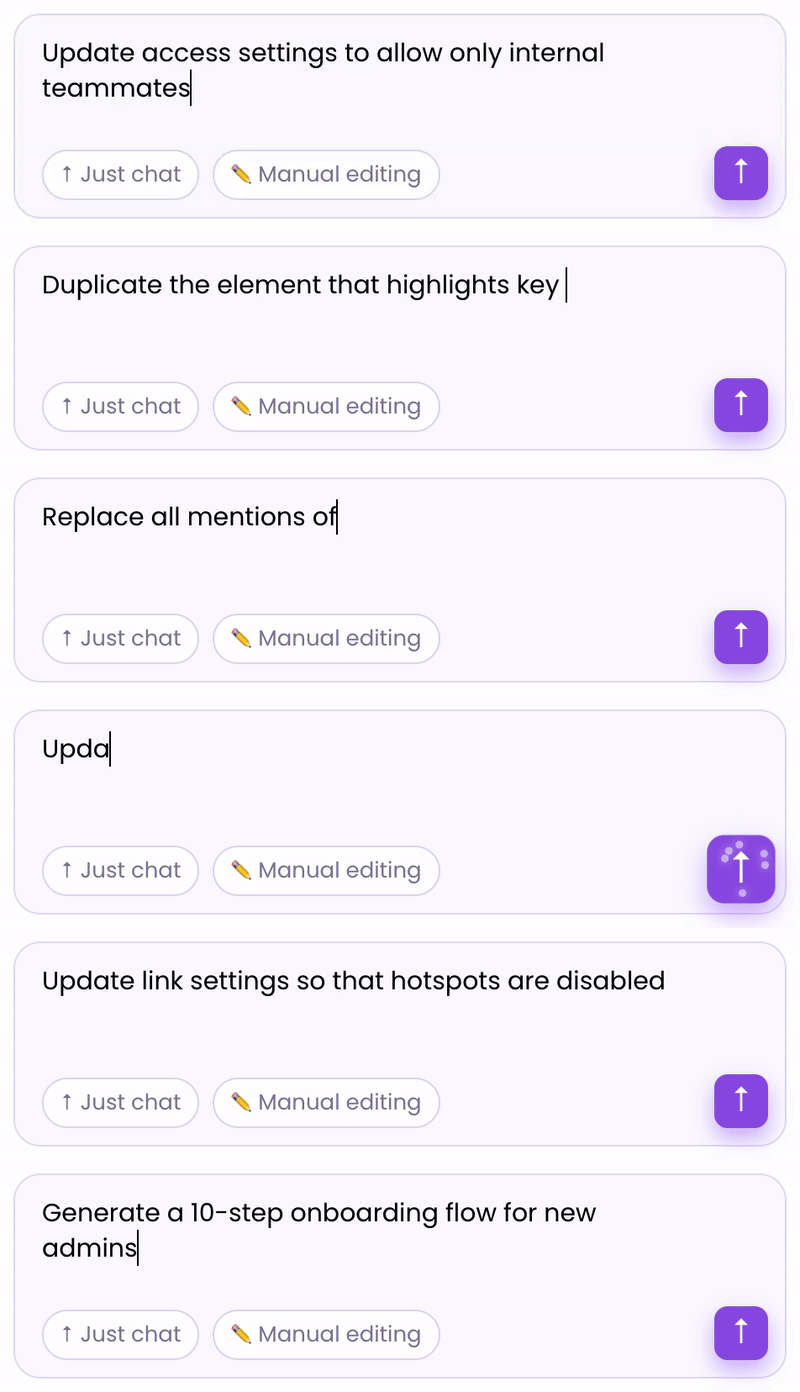
With AI Mode, you can:
Refresh your story: rewrite outdated copy, anonymize details, sharpen clarity, or tailor messaging for any persona or industry.
Restyle in one move: update fonts and colors, adjust formatting, or blur sensitive elements across multiple screens at once.
Clean up effortlessly: replace terminology, apply branding updates, and fix inconsistencies in seconds — not hours.
AI Mode takes your vision and elevates it, ensuring every demo feels polished, consistent, and on-brand from the very first draft.
Where to Find It: Walnut Editor
Learn More: AI Mode: build, edit, and publish demos by chatting
Story Capture 🎙️
Turn your voice into an interactive, guided demo in minutes. Just speak and let the magic happen.
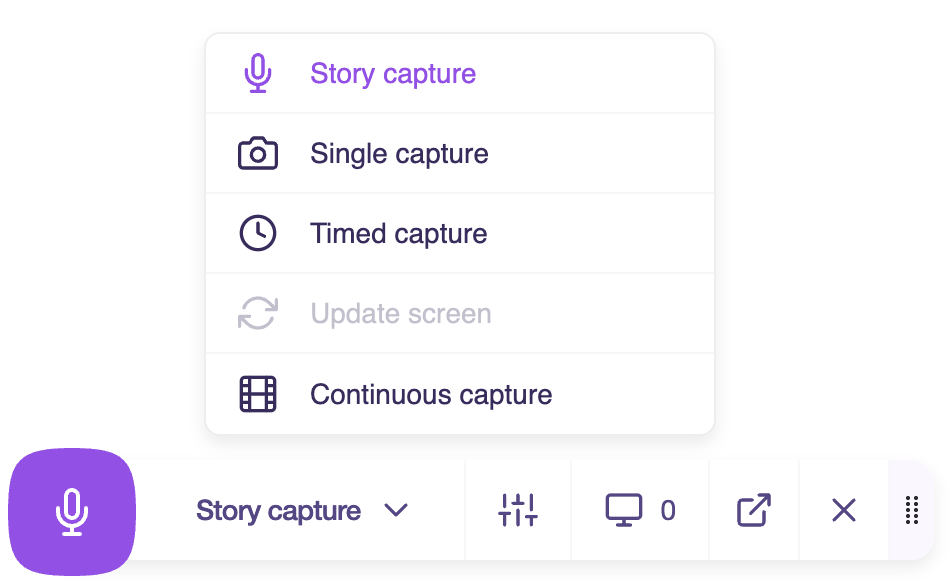
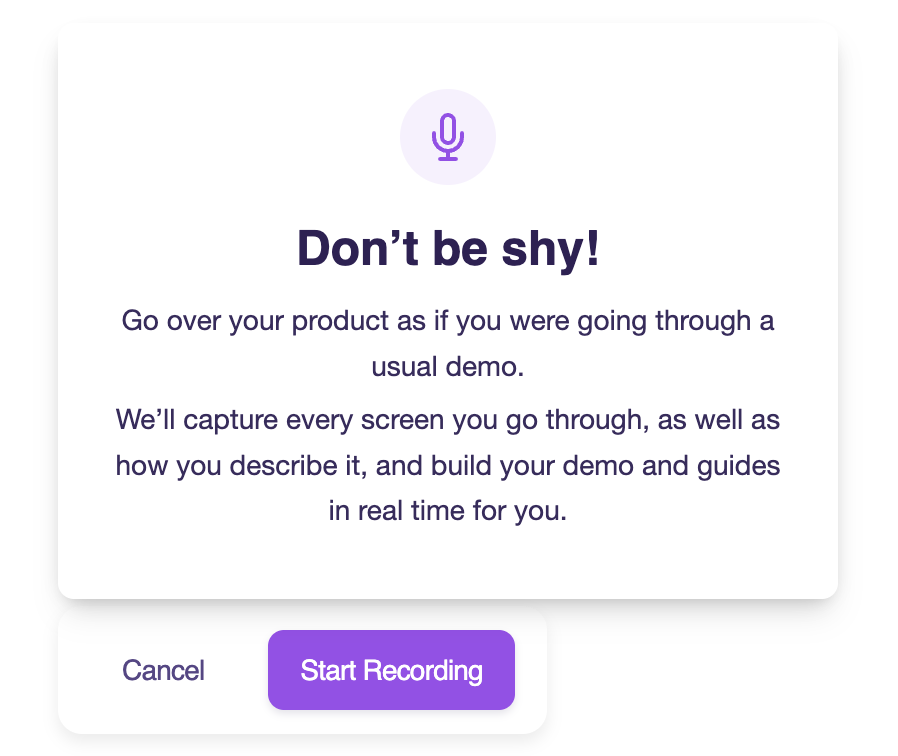
Where to Find It: Walnut Extension
Learn More: Explore Story Capture
Text-to-Speech Audio Guides 🎧
Convert written guide text into audio—instantly.
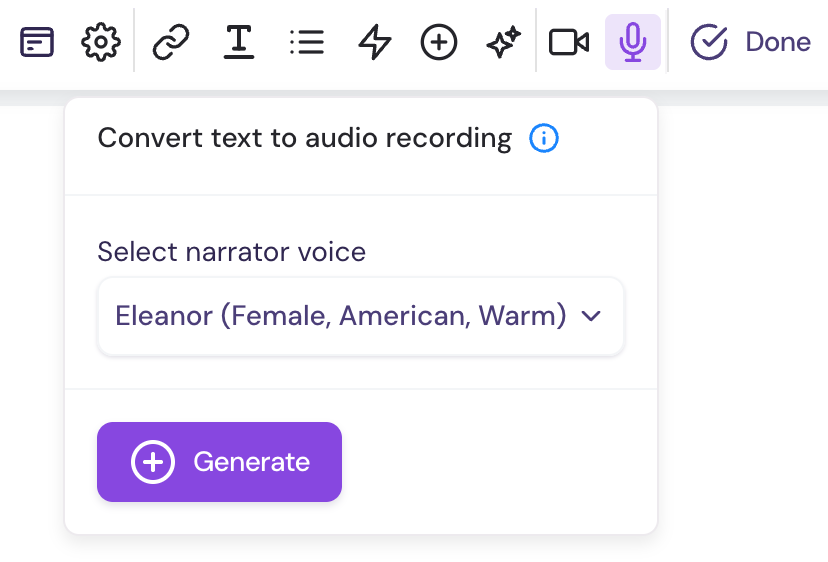
Where to Find It:
Navigate to a templateClick Edit Template
Click a tooltip or modal guide step in the Guides panelClick inside the body of the step to activate the guide step editor toolbar
Click the microphone Icon 🎤
Learn More: Adding Text-to-Speech Audio to Guide Steps
Insights AI 📈
Instantly understand how your demos and playlists are performing with our AI-powered chatbot. One view. Endless insights.

Where to Find It: Insights
Learn More: Explore Insights AI
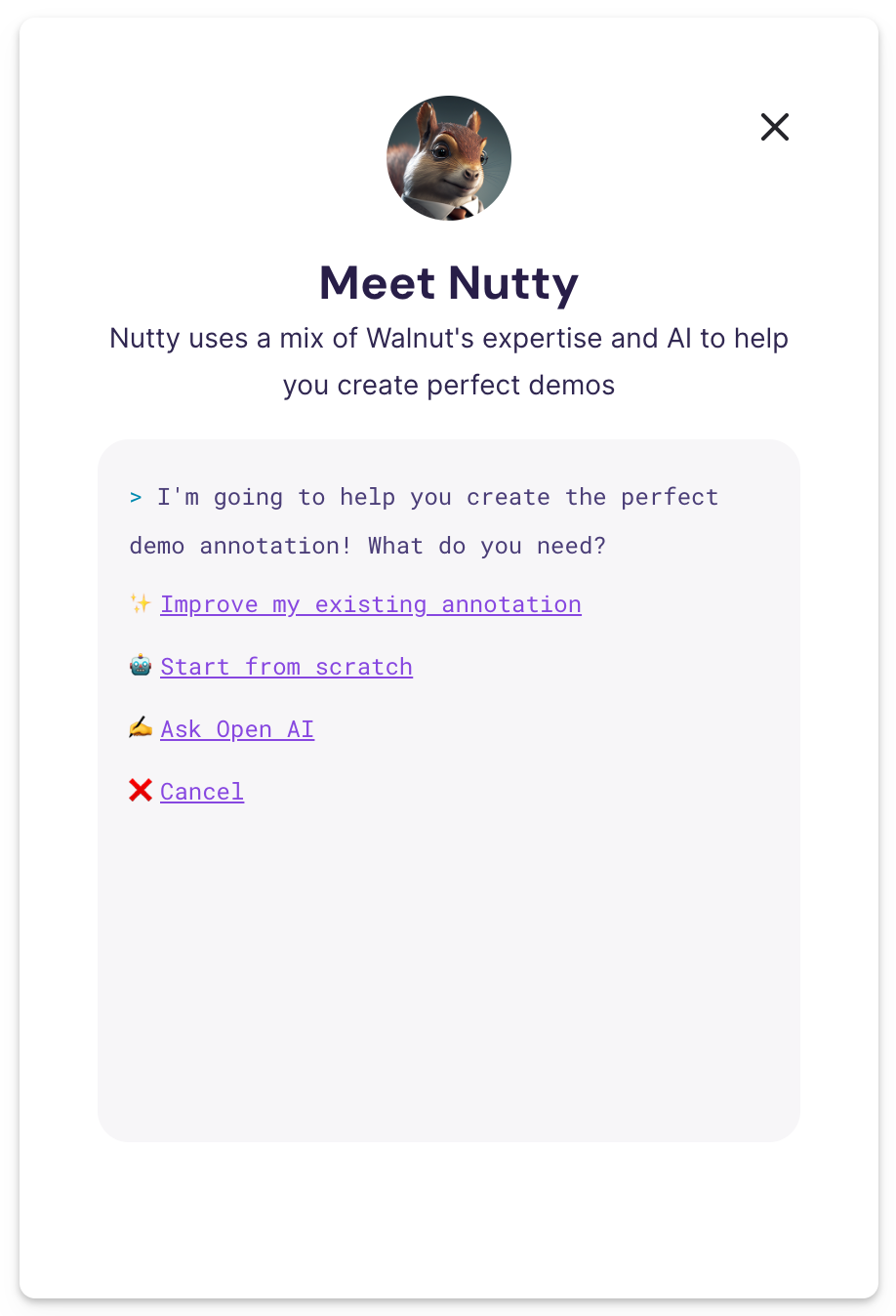
Guide Assist (Nutty) 🎯
Polish your guide step text like a pro.
Guide Assist auto-suggests smarter, sharper copy for every tooltip—no heavy lifting required.

Where to Find It:
Navigate to a templateClick Edit Template
Click a tooltip or modal guide step in the Guides panelClick inside the body of the step to activate the guide step editor toolbar
Click the sparkle Icon ✨