Set collaborator access permissions
Set collaborator access permissions
About Collaborators
Choose the permissions your collaborators have when sharing a template. Give teammates editing power, or keep it view-only—it’s up to you!
🗒️ Important to Note
Account Owners and Admins always have full viewing and editing rights, regardless of the permission level set in the Collaborators panel.
Quick Start Guide
- In your Library, click the three-dot menu on any template or demo thumbnail
- Select Add collaborators or click the Collaborators icon
 inside a template
- Share your asset with your entire team or add individual collaborators.
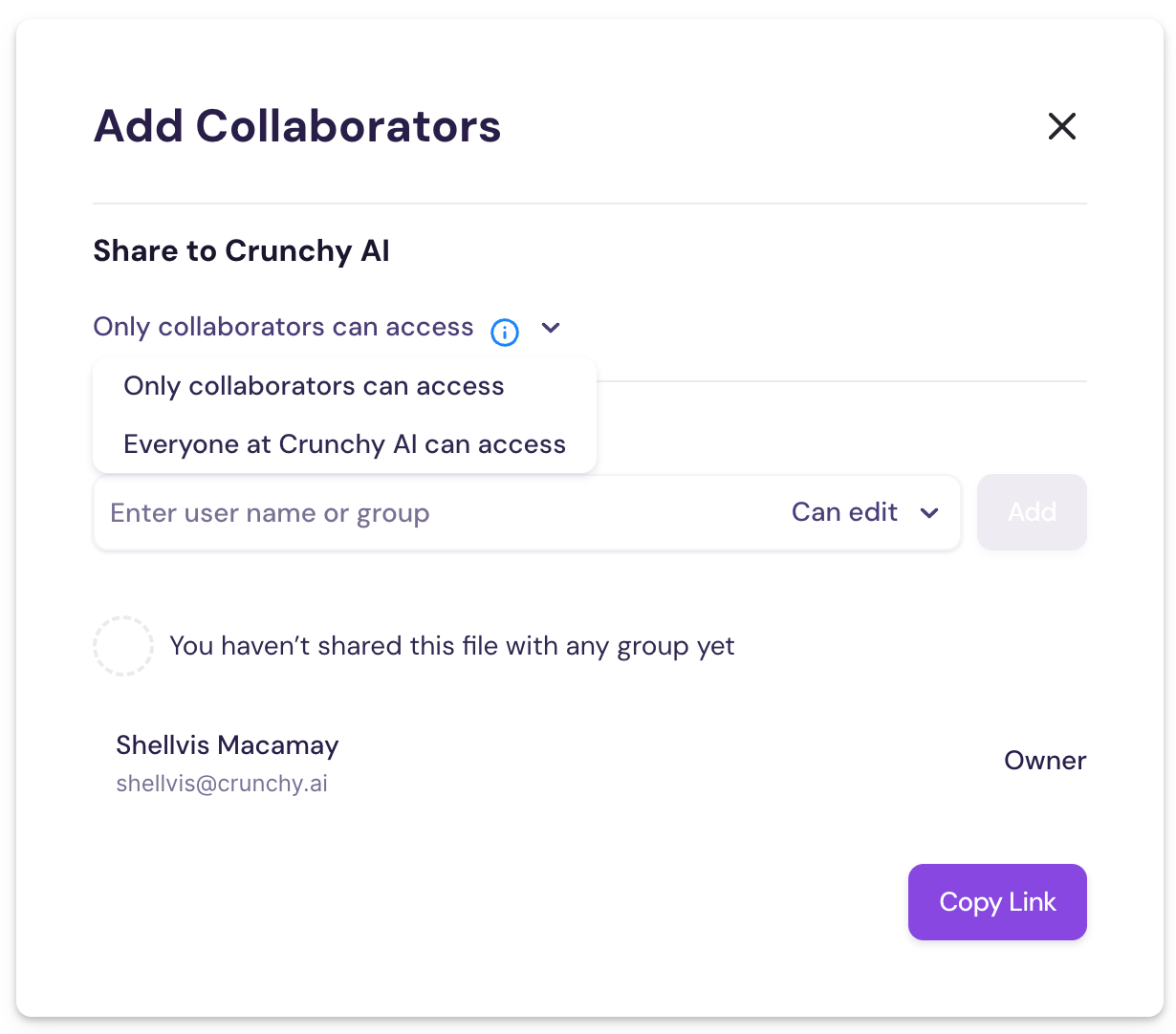
- Choose their access level:
• Can edit – Full editing rights
• Can view – Can view and create demos only, no editing access
Was this helpful?