Bulk-update roles and archive users
Change roles for many Walnut users at once or archive them in bulk from Company Settings > Users by selecting users and choosing Change Role or Archive.
Bulk-update roles and archive users
About this Feature
Streamline team management with ease by updating user roles or archiving multiple users at once—all from your Company Settings.
-
Feature Status: Core Feature
-
Role Access: Admin
-
Location: Company Settings > Users
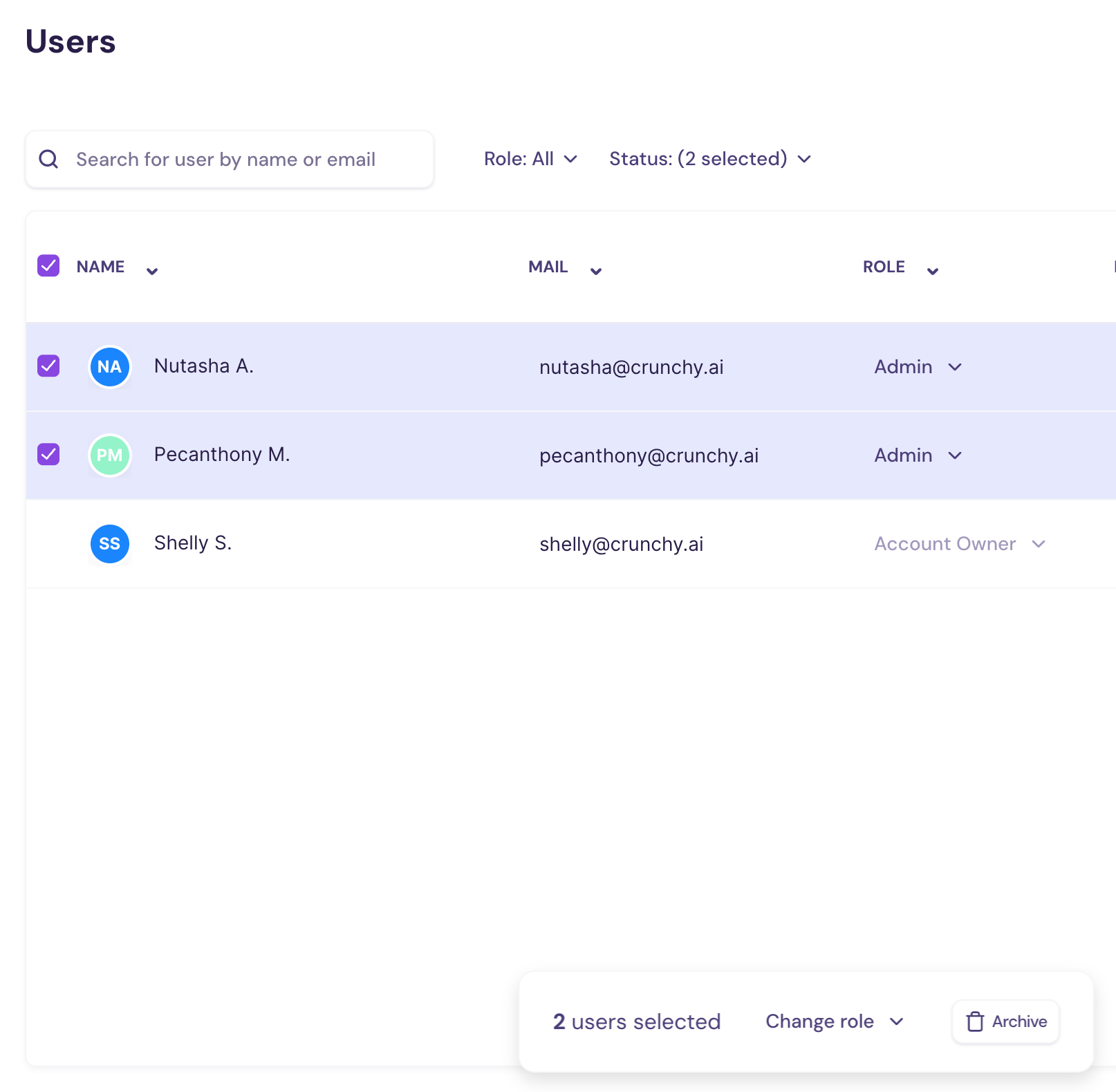
How It Works:
- Head to Company Settings and click the Users tab.
- Select the users whose roles you want to update.
- Click Change Role or Archive
- Pick the new role and—voilà! You’re done.
Was this helpful?